Manage products and stock without spreadsheets
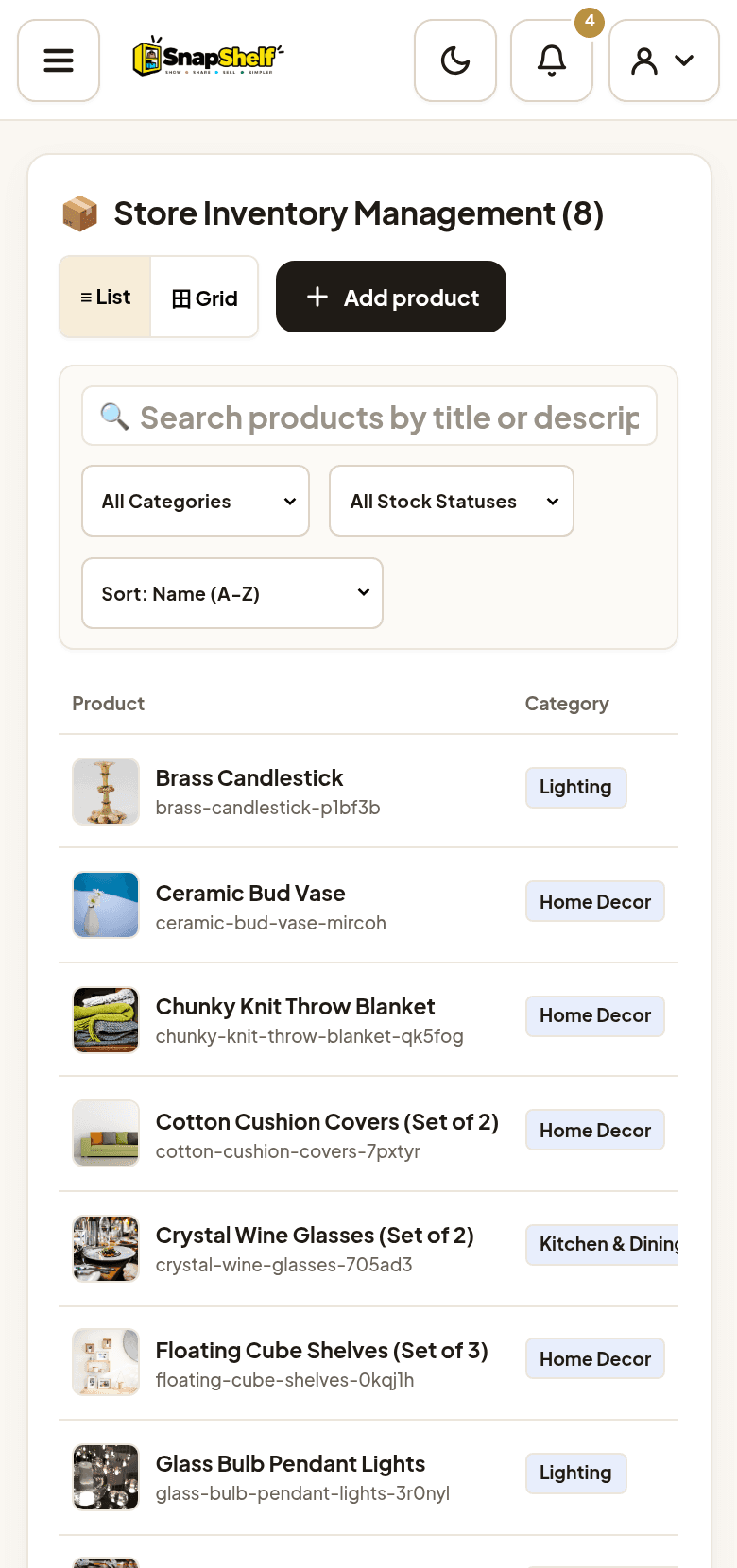
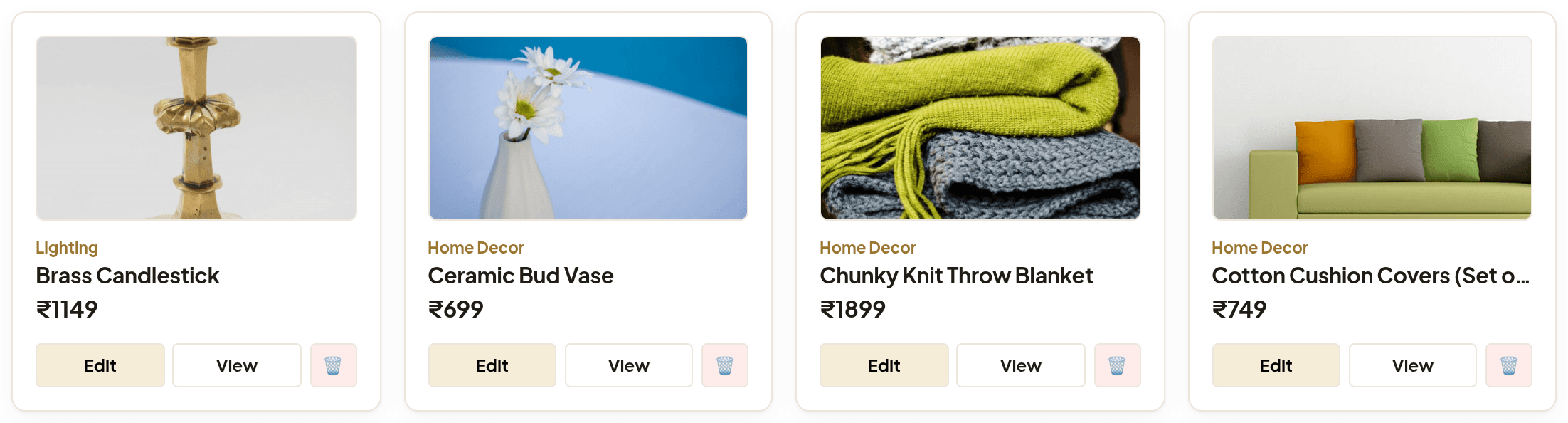
Add products with photos, prices, categories and colour or size options, then search, sort and edit your whole catalogue from one list.
Launch a branded online store, manage products and stock, and keep every order and WhatsApp enquiry in one dashboard. Share one link — customers browse, order, and reach you on WhatsApp.
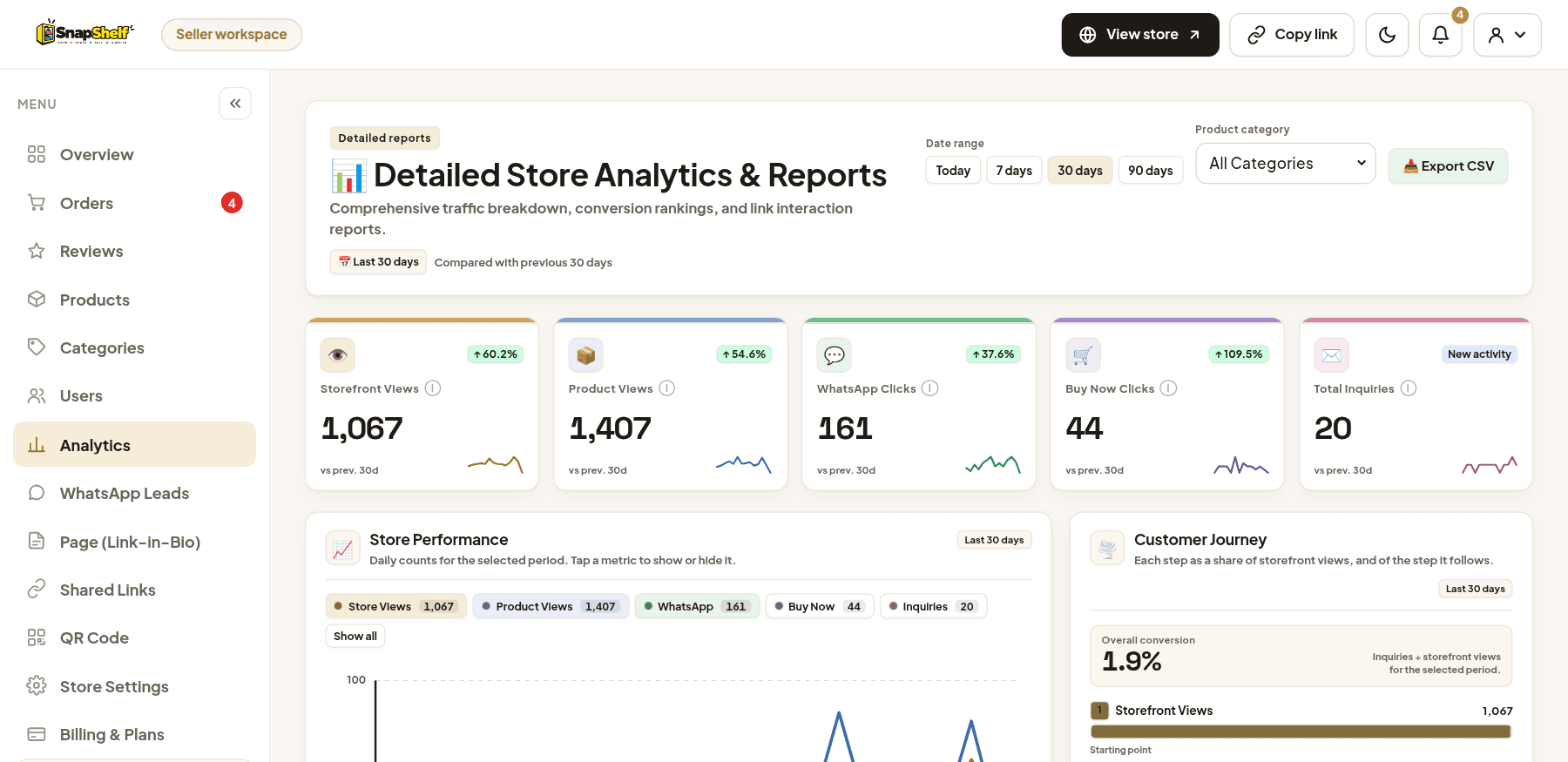
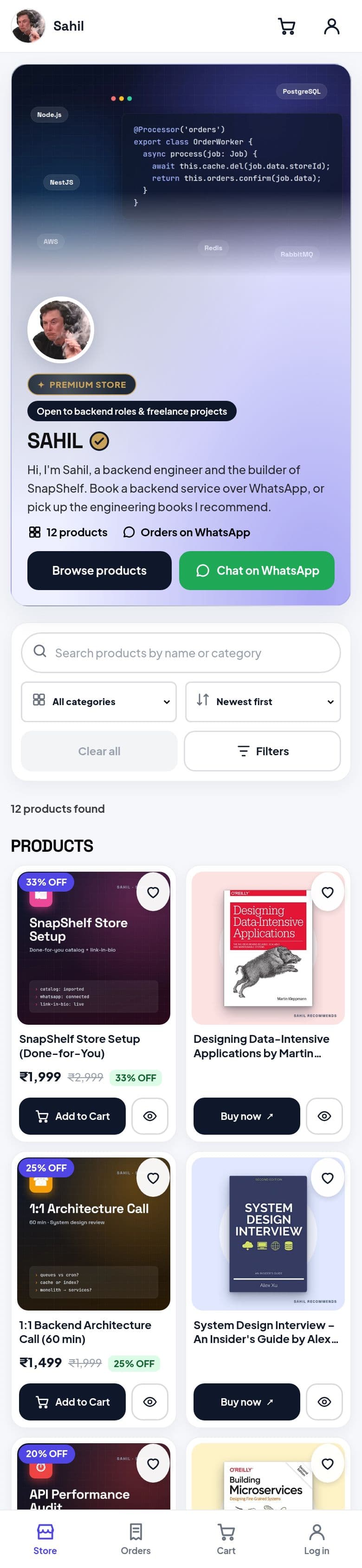
Pick a screen to see how SnapShelf works for sellers — switch to mobile to see it on a phone, or to dark mode for late-night selling.
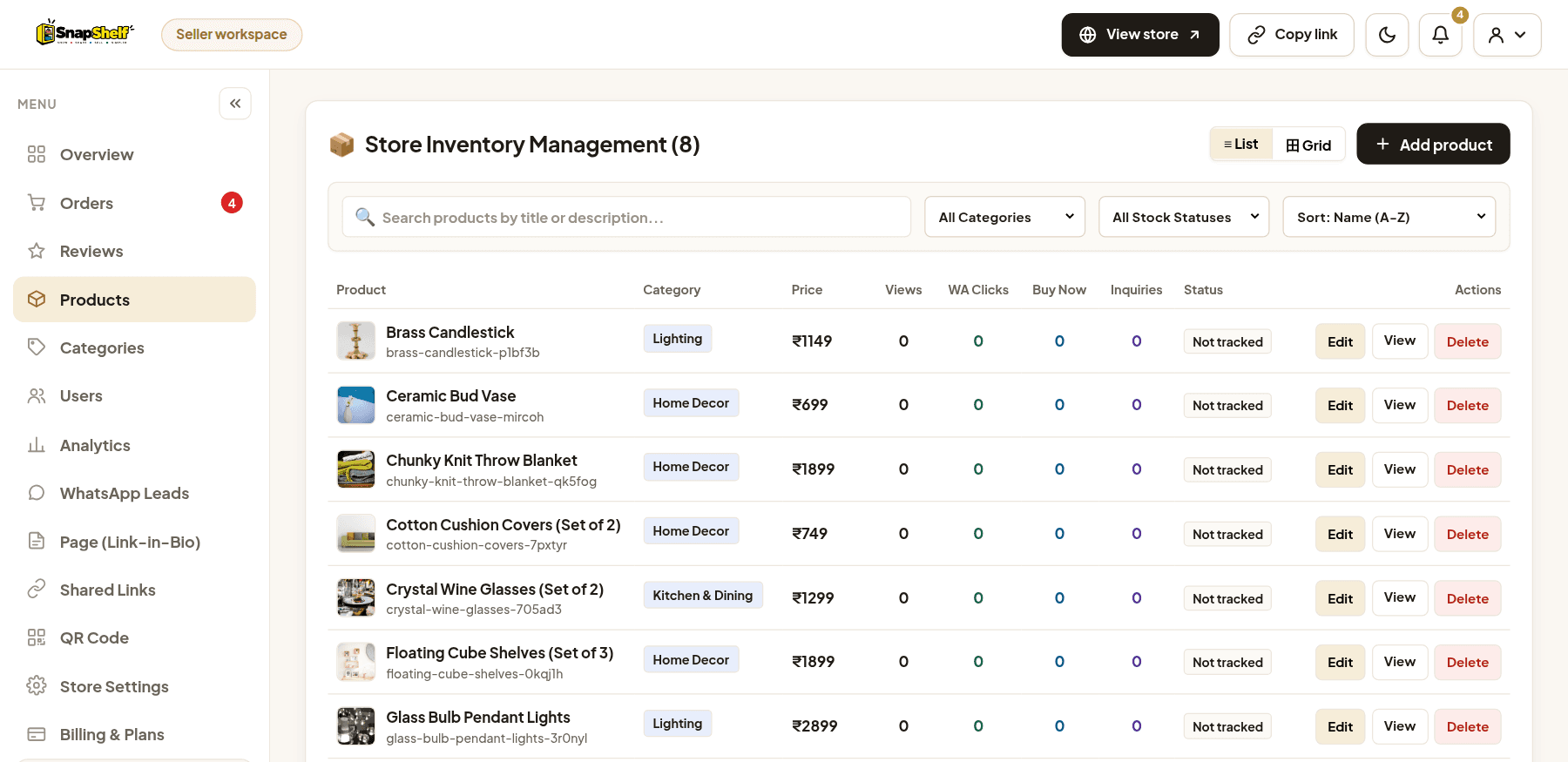
Search your catalogue, filter by category, sort by name or price, and edit, preview or remove any product in a click.
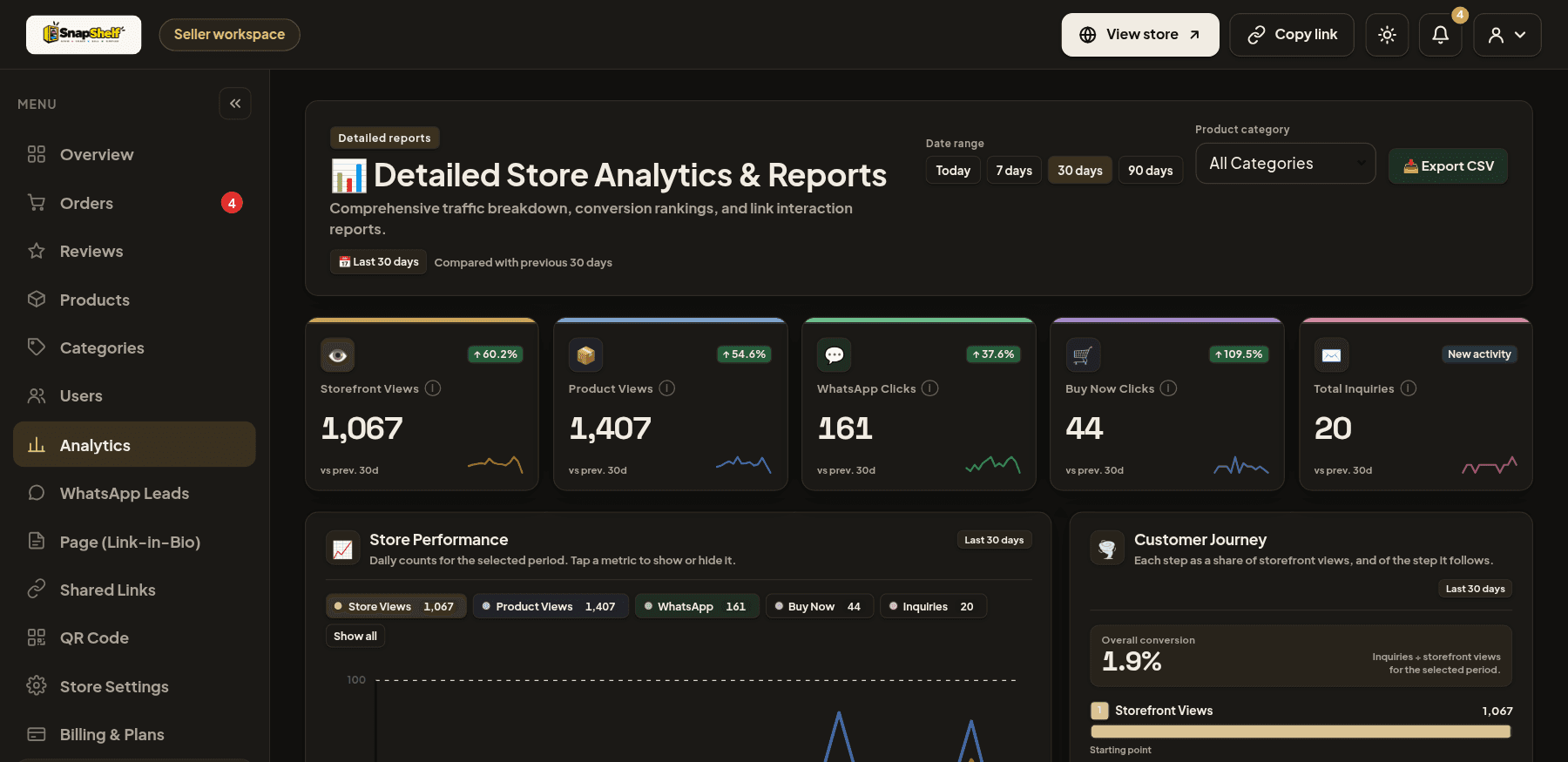
Real screenshots from the SnapShelf app, using demo store data. The dashboard has a light and a dark mode, one tap in the top bar.
Products, orders, customer chats and your store link usually live in five different places. SnapShelf keeps them together.
Add products with photos, prices, categories and colour or size options, then search, sort and edit your whole catalogue from one list.
Customers add items to a cart and place an order on your store. It appears in your Orders dashboard, and they can send you the details on WhatsApp in one tap.
Follow shoppers from your storefront to a WhatsApp message and find your best products.
Illustration of the funnel stages tracked in Analytics.
Your logo, description, colours and hero banner, with categories, search and product pages customers can browse on any device.
One store link for Instagram, WhatsApp status or your bio — plus a printable QR code display and click tracking for every product link.
*Link-in-Bio pages are part of the Unlimited plan.
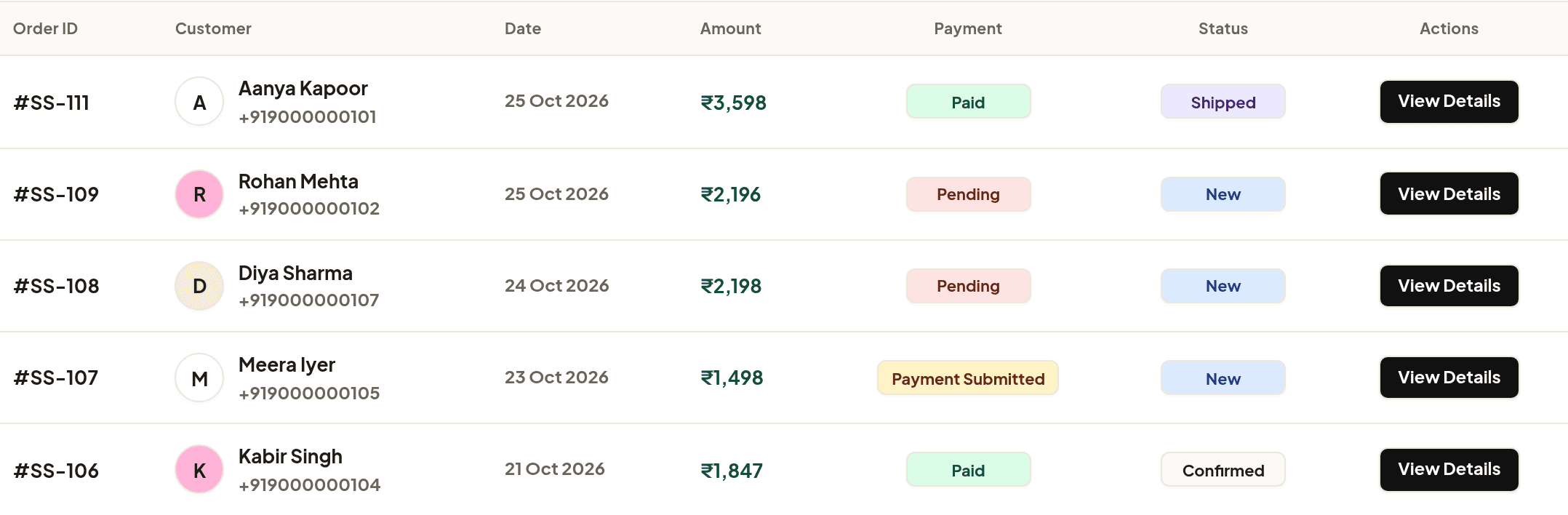
See every order with the customer, amount, payment and delivery status, and what still needs your attention.
Each product can take orders through WhatsApp or point to an affiliate link on another store, so creators can share their picks alongside their own products.
Enter your store name, email, WhatsApp number and a password, then confirm the one-time code we email you.
Upload product photos, prices and categories, then set your logo, description and store colours.
Post your store link or QR code anywhere. Orders, WhatsApp enquiries and analytics come back to your dashboard.
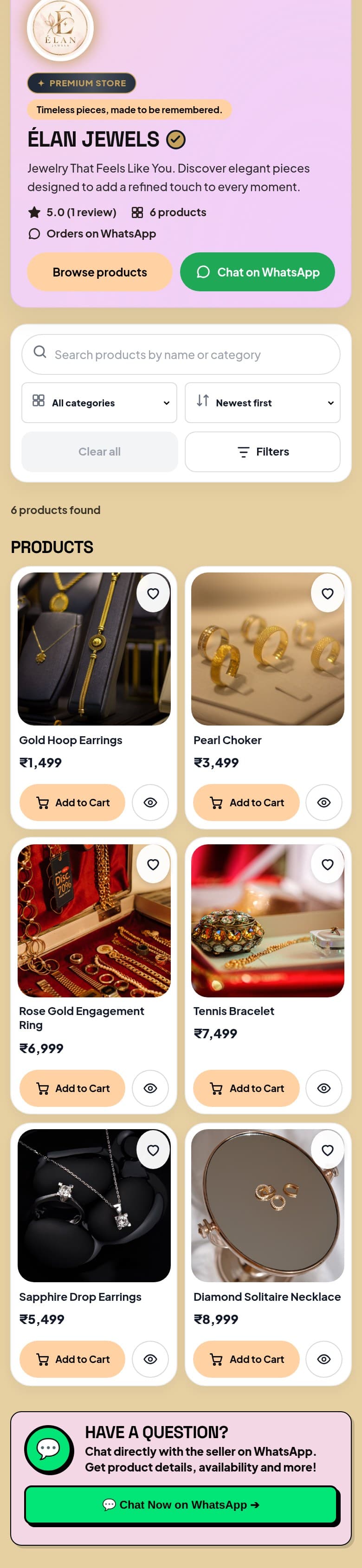
These demo stores run on SnapShelf. Hover to scroll through one, or open it and browse like a customer.
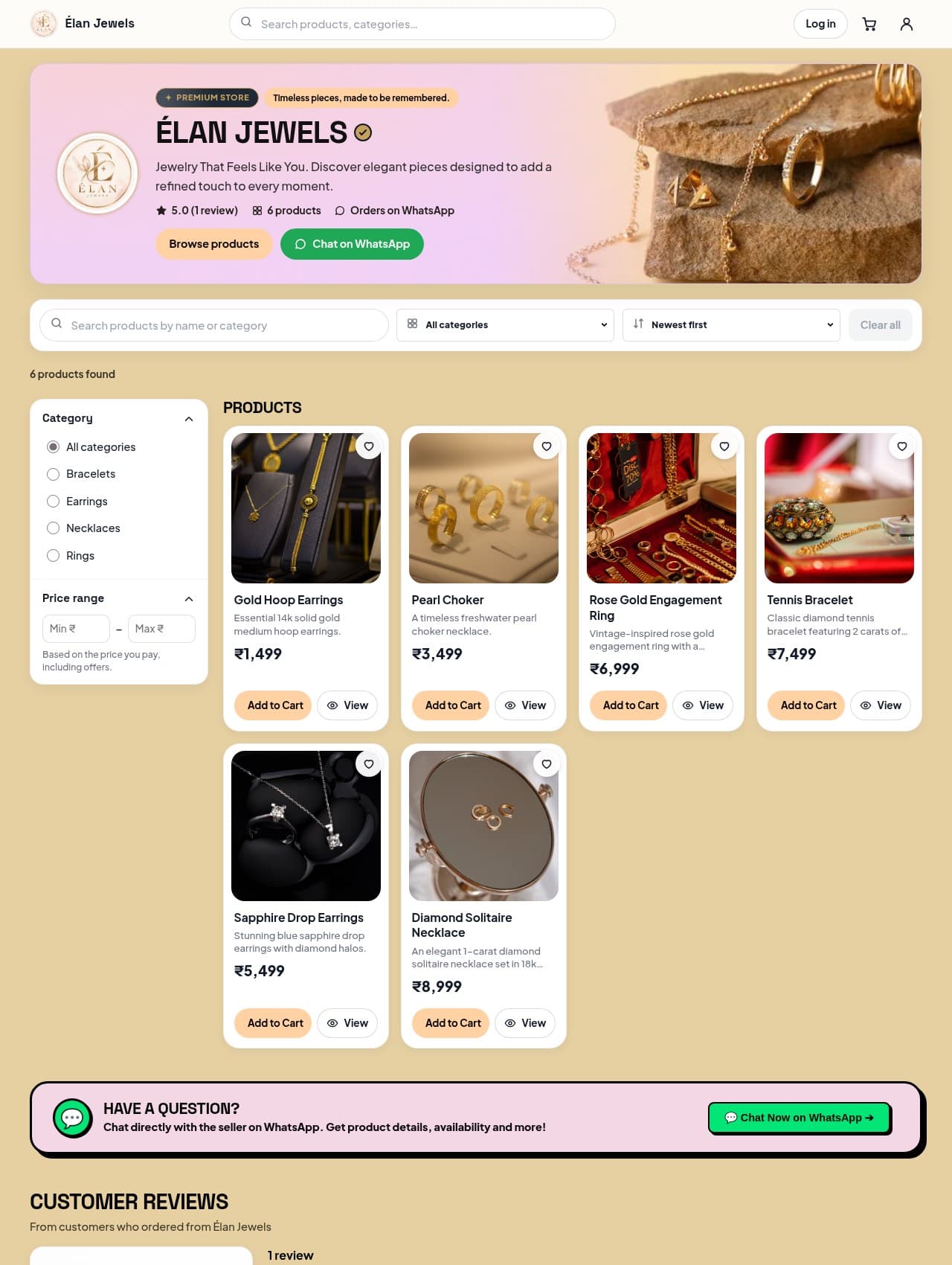
Jewelry That Feels Like You. Elegant pieces designed to add a refined touch to every moment.
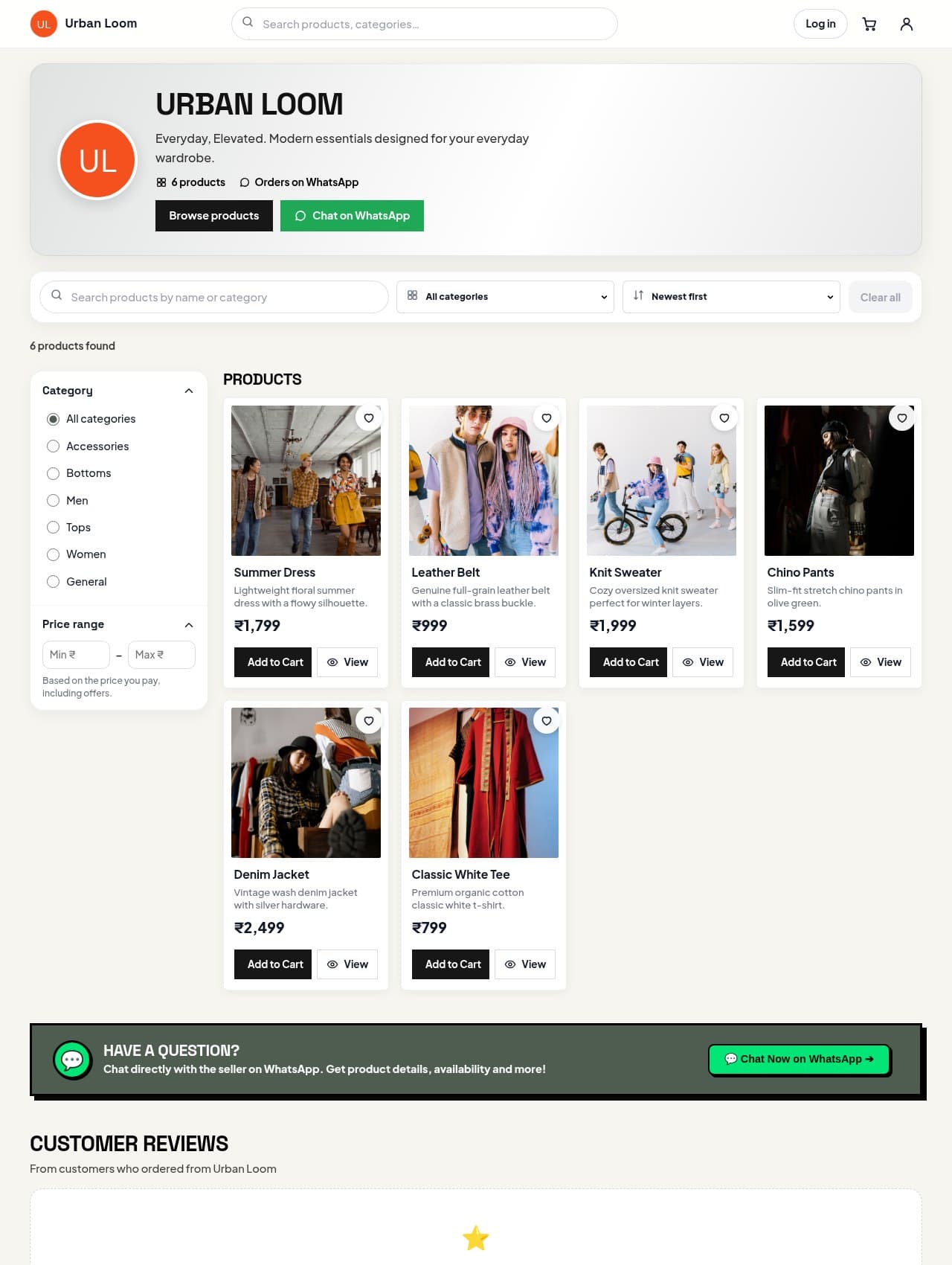
Everyday, Elevated. Modern essentials designed for your everyday wardrobe.
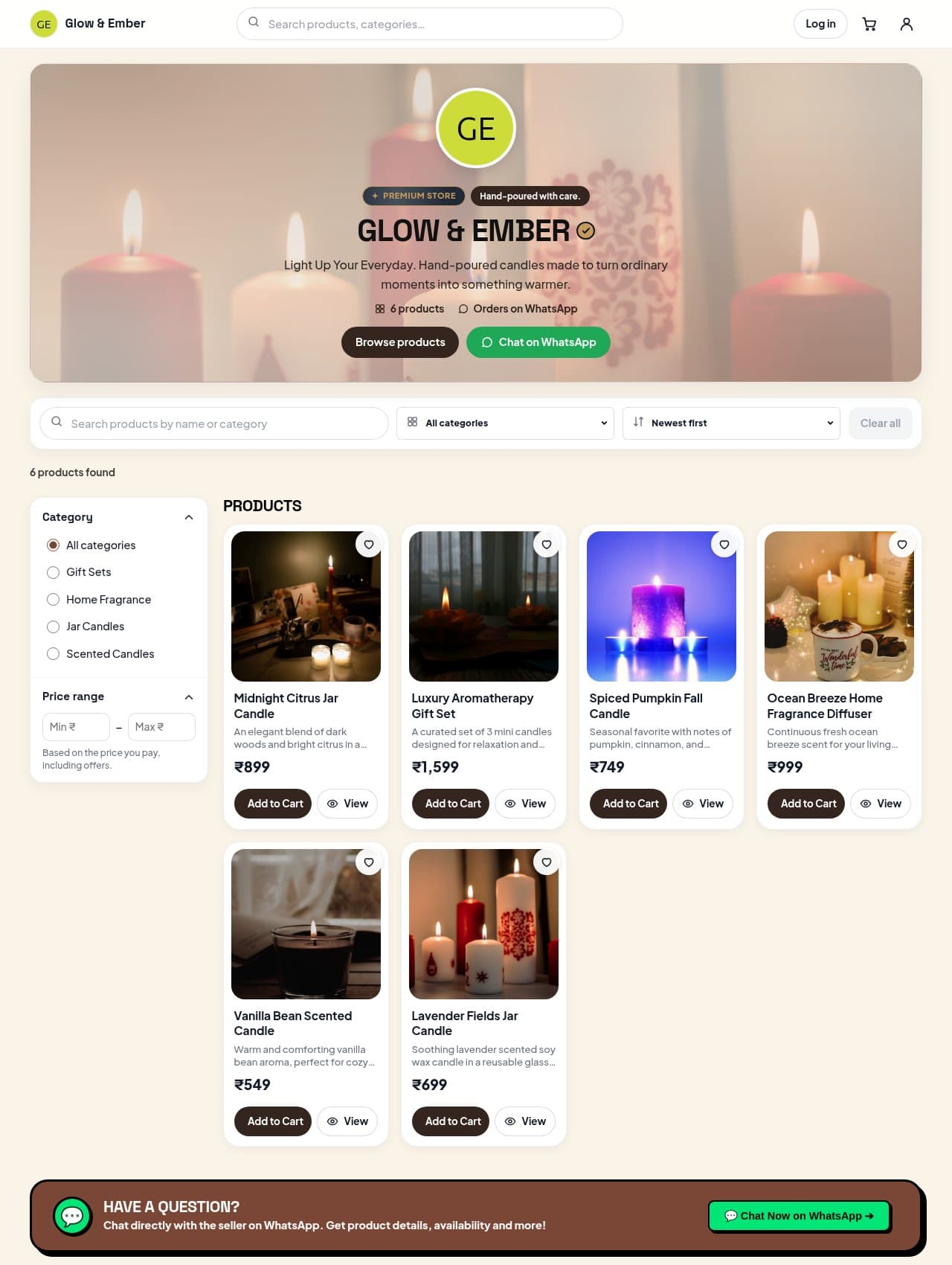
Light Up Your Everyday. Hand-poured candles made to turn ordinary moments into something warmer.
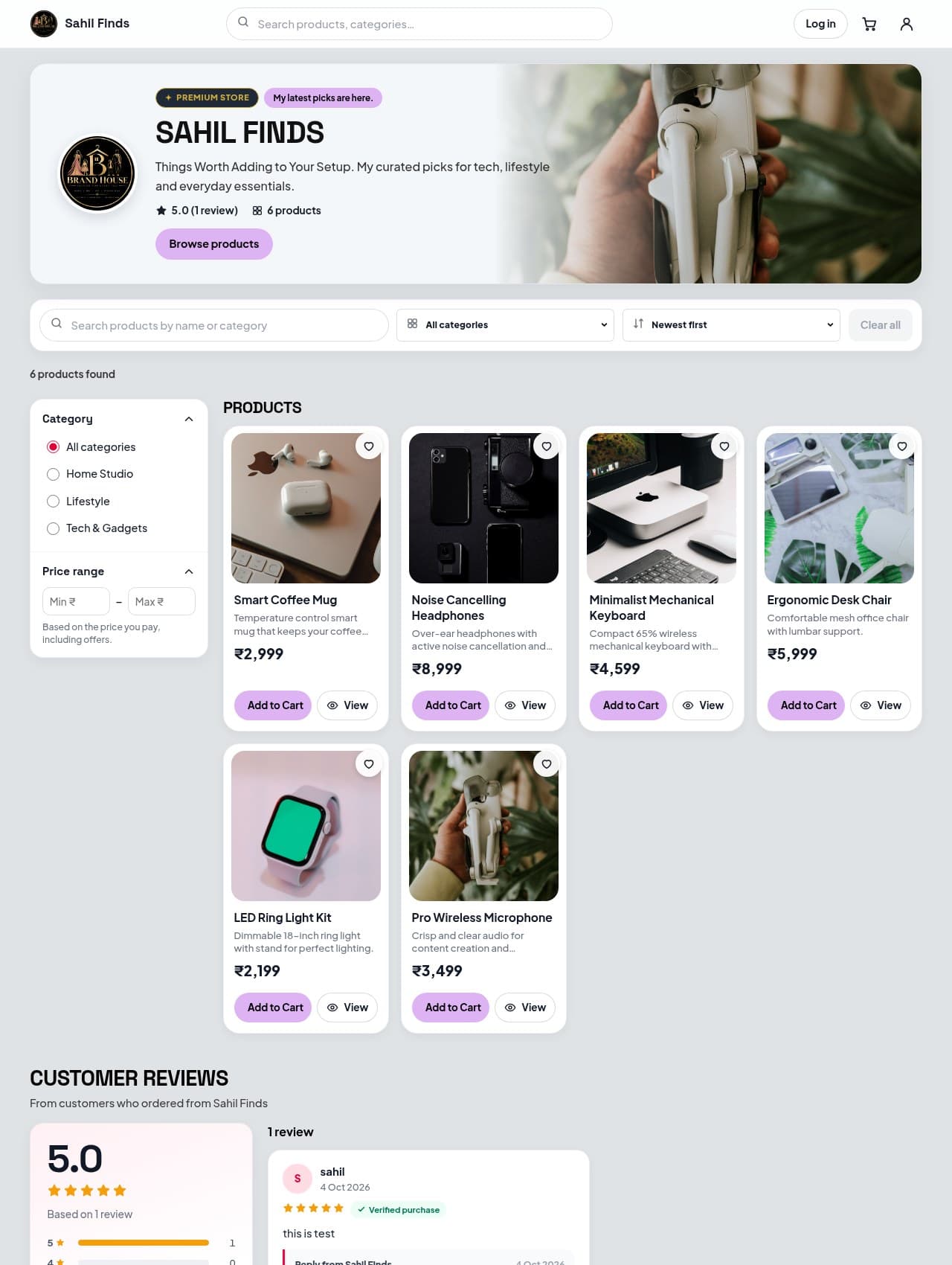
Things Worth Adding to Your Setup. Curated picks for tech, lifestyle and everyday essentials.
Every plan includes your storefront and dashboard. Paid plans raise your product limit and unlock more tools.
Perfect for getting started.
For growing small businesses.
Our most popular choice.
For high-volume sellers.
Still wondering about something? Book a quick demo and we'll walk you through it.
Yes. The Free plan costs ₹0 and includes up to 50 products. You only need a store name, email, WhatsApp number and password to sign up — no card.
They browse your store, add products to a cart and place an order with their delivery details. The order appears in your Orders dashboard, and they can send it to you on WhatsApp in one tap. Payment is arranged directly between you and your customer — SnapShelf doesn't take payments on your behalf.
No. Your store gets its own link on SnapShelf, like www.snapshelf.in/s/your-store, that you can share anywhere or turn into a QR code.
Yes. Each product can use either a WhatsApp order link or an affiliate link that sends shoppers to another store.
Mainly how many products you can list (Free 50, Basic 150, Premium 500, Unlimited 5,000+) and which tools are included — for example customer management on Premium and Unlimited, and Link-in-Bio pages on Unlimited. See the full comparison.
Upgrade any time from the Pricing page or Billing & Plans in your dashboard; paid plans are billed monthly through Razorpay. If you cancel, your existing products aren't deleted, but you can't add new ones above the Free plan limit.
Set up your storefront, add your first products and share it with customers today — free to start.